DNS Tools
View allRecord lookup
DNS LookupAll DNS RecordsMX LookupTXT LookupMore records
CNAME LookupSOA LookupNS LookupCAA LookupAdvanced
PTR LookupDNSSEC CheckCAA Generator

XcellCloud Acronis True Image
Cyber protection and privacy tools for home users
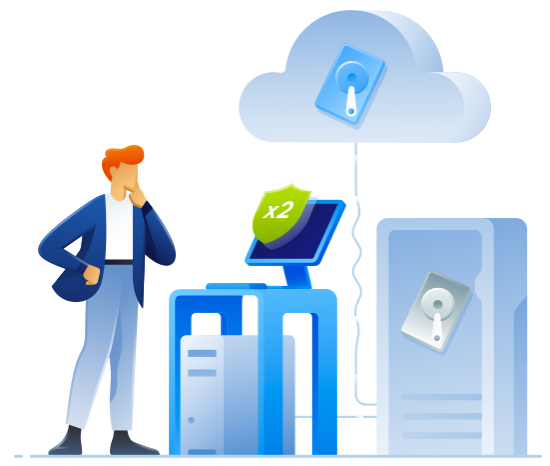
Attackers cannot encrypt or delete your cloud copies
Cloud Backup helps organizations protect servers, endpoints, applications, and business-critical workloads against data loss. It safeguards critical data from accidental deletion, hardware failure, ransomware, and other causes of data loss. Automated backup schedules ensure important data is backed up regularly with minimal manual effort. Configurable retention policies help businesses maintain recoverable copies of critical data when needed. Reliable recovery capabilities enable fast data restoration while reducing downtime and dependence on manual backup processes.
One app for backup, security & privacy
Everything you need to keep your data safe, recoverable and protected against modern threats.
Why Customers Choose Acronis True Image
Full-image protection with cloud and local copies—so a single failure never means lost data.
Acronis True Image capabilities
Three pillars in one app—protect, secure and manage all your data from a single place.
Complete, reliable backup
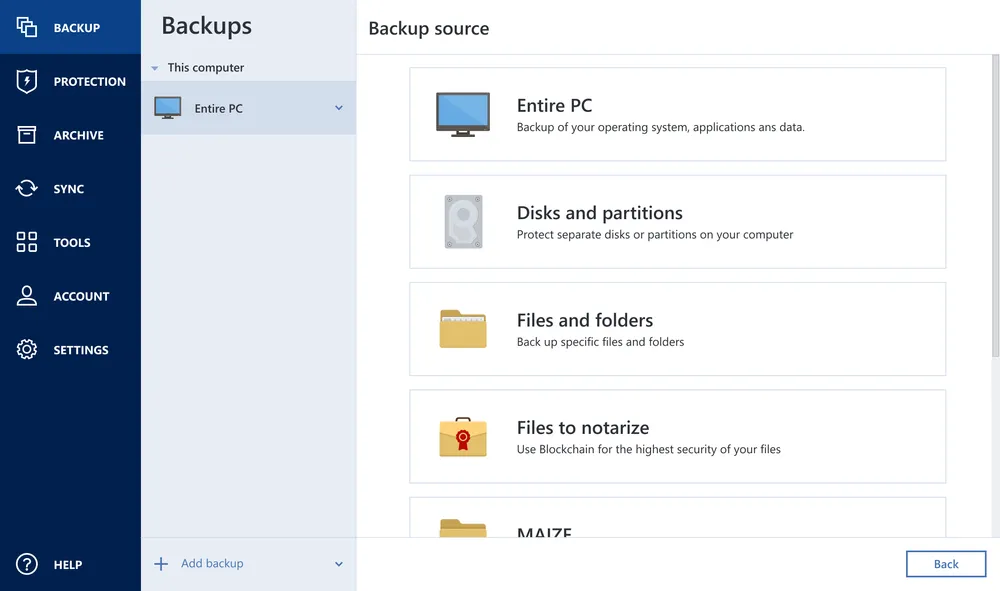
Protect everything—your full system, individual files or your phone—to local drives and the Acronis Cloud.
Capture your entire system—OS, apps, settings and files—in one recoverable image.
Keep local and cloud copies at once for on-site speed and off-site safety.
Clone to a new SSD or HDD while you keep working—no reinstall needed.
Back up iPhone, Android, Microsoft 365 mailboxes and OneDrive.
Choose a cyber protection plan that meets your needs
Pick your devices, subscription length and cloud storage—the price updates instantly. All prices are in Indian Rupees.
Essentials
Local backup & anti-ransomware protection
1 computer · 1-year subscription
- ✓Flexible backups
- ✓Active disk cloning
- ✓Quick recovery / Universal restore
- ✓Ransomware protection
- ×Cloud storage not included
Advanced
Local & cloud backup & security
1 computer · 50 GB cloud · 1-year
- ✓Flexible backups
- ✓Active disk cloning
- ✓Quick recovery / Universal restore
- ✓Ransomware protection
- Plus cloud & security
- ✓Identity protection
- ✓Block viruses and malware
- ✓Cloud backup and features
- ✓Automatic cloud replication
- ✓Microsoft 365 backups
Premium
Up to 10 TB of cloud & local backup & security
1 computer · 1 TB cloud · 1-year
- ✓Everything in Advanced
- Plus premium protection
- ✓Blockchain certification of files
- ✓Electronic signatures on files
- ✓Add up to 10 TB of cloud storage
All plans include free upgrades to the latest version · Phone, email & chat support · Available for Windows & macOS
Built to fit how you work and live
From a single laptop to every device in the house—manage it all from one dashboard.
Acronis Mobile: easy, secure and portable
Never worry about losing your photos, videos, contacts or important files again. Back up everything that matters on your phone and keep it safe in the Acronis Cloud.
How to back up your mobile device via Wi-Fi to a PC or Mac →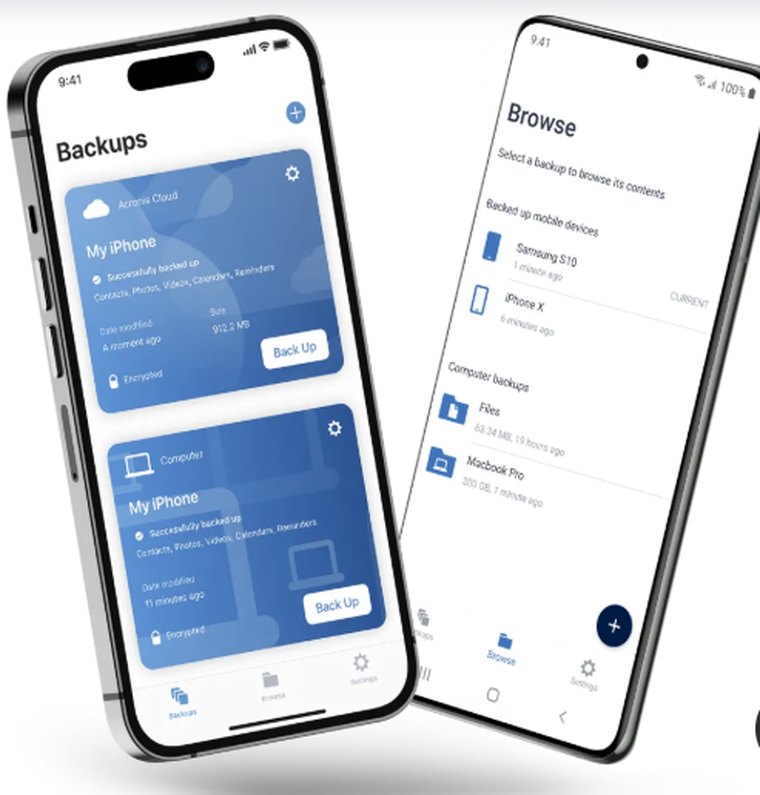
The threat model for Acronis True Image is specific, and the controls are chosen to match it. Encryption is applied at both ends of the journey, and the keys are managed so that a stolen disk or an intercepted session yields nothing usable.
XcellHost is ISO 27001 and ISO 20000-1 certified · Indian Tier-4 datacenters · DPDPA and RBI aligned · 24×7 NOC and SOC.
Acronis True Image gave us a clearer way to handle immutable backups. The rollout was well organised, and the support team stayed responsive throughout.
We chose Acronis True Image because anydata protection mattered to our team. It now fits naturally into our day-to-day workflow.
The biggest improvement with Acronis True Image has been aes-256 encryption. We have better clarity, dependable support and fewer operational surprises.
You set the schedule — up to hourly. Best practice: incremental every 3 hours.
Single files in minutes; Instant Restore can boot a VM in the cloud immediately.
Yes — a dedicated M365 Backup plan covers Exchange, SharePoint, OneDrive and Teams.
In Indian Tier-4 datacenters, encrypted. An international DR copy is optional.
In Indian Tier-4 datacenters — friendly to RBI and DPDPA data-localisation requirements.
24×7 via phone, WhatsApp or ticket — in English and Hindi.
Most services offer a free trial or a 15-day money-back guarantee.
Start a free trial or request a callback — onboarding typically completes within 24–48 hours.
Fresh Perspectives For Smarter IT Decisions
Explore practical guides and expert insights on cloud, cybersecurity and Indian compliance to help your business move forward.
New insights are on the way. Explore all insights for more guides and articles.
Ready to start with Acronis True Image?
FREE Consultation · FREE Demo · FREE Trial · 24×7 support in English & Hindi