Acronis RMM software helps customers deliver better IT management with powerful tools for monitoring, managing, and supporting devices remotely. It enables IT teams to monitor device performance, identify issues, and provide efficient remote support. Deploy high-performance remote desktop capabilities for fast and reliable remote access. Provide secure remote assistance at no additional cost, helping teams resolve IT issues quickly and efficiently. With centralized management and proactive monitoring, businesses can improve productivity, minimize downtime, and maintain a more reliable IT environment.
Choose your Acronis RMM term
Every plan includes the same complete remote monitoring capabilities and XcellHost support.
Special Offer
1 Year +3 Months Free*
15 months coverage
*Offer valid till 31st Dec 2026
₹1,199 total for 1 user
✓Device discovery and asset management
✓Vulnerability assessment and patch management
✓System and hardware monitoring
✓AI-assisted scripting and automation
✓Software deployment with DeployPilot
✓Remote desktop and assistance
✓Microsoft 365 security posture management
✓XcellHost engineer support
Price is per user/year. Free months are added after the paid term. Taxes are additional.
Acronis Advanced RMM Features
1
Discover Devices
2
Other Asset Management Features
3
Vulnerability Assessment & Patch Management
4
System & Hardware Monitoring
5
AI-assisted Scripting
6
Deploy Software With DeployPilot
7
Remote Desktop & Assistance
8
Microsoft 365 Security Posture Management
9
Asset Management
10
Security & Compliance
11
Monitoring & Response
12
Remote Support
Simplify IT operations with Acronis Advanced RMM
!
The Problem
IT management is complex, time-consuming and reactive.
Lack of visibility into device health and performance.
Manual processes lead to errors and inefficiencies.
Unplanned downtime and slow issue resolution impact productivity.
Managing patches, software and configurations across devices is difficult.
Rising costs and limited resources reduce service quality and scalability.
✓
The Solution
Acronis Advanced RMM simplifies IT operations, proactive management and service delivery.
Real-time monitoring and alerts for proactive issue resolution.
Remote access and control to resolve issues faster.
Automated patching and maintenance to keep systems secure and up to date.
Centralized management of endpoints, software and configurations.
Powerful automation and reporting to improve efficiency, reduce costs and scale your business.
Powerful RMM Capabilities
⌁Real-Time Monitoring
Track device health, disk status, performance metrics and critical alerts in real time.
↔Remote Access & Control
Securely access and control endpoints to troubleshoot and resolve issues remotely.
⚙Automation & Task Management
Automate routine tasks, execute scripts and manage maintenance with ease.
◇Patch Management & IT Automation
Automate patch deployment and IT maintenance to reduce vulnerabilities and remediate faster.
▣Software Management & Deployment
Deploy, update and manage software applications across all devices remotely.
▧Reporting & Dashboards
Get actionable insights with customizable reports and dashboards.
Business Benefits
✓Improved Efficiency
Automate tasks and reduce manual effort to save valuable time.
₹Lower Costs
Reduce downtime and operational costs with proactive IT management.
↗Higher Productivity
Keep systems healthy and users productive with fewer disruptions.
☆Better Service Delivery
Resolve issues faster and deliver superior client satisfaction.
⤢Scalable Growth
Easily manage more devices and clients as your business grows.
Use cases
🔧 Replacing legacy with Remote Monitoring & Mgmt (RMM)Retire what you run today before it becomes a live incident
💰 Budgeting Remote Monitoring & Mgmt (RMM)Predictable monthly cost instead of unplanned capital purchases
👥 Onboarding staff onto Remote Monitoring & Mgmt (RMM)New joiners productive from day one, with no local setup
🌍 Rolling out Remote Monitoring & Mgmt (RMM) across sitesDeploy consistently across every office or location
⏱️ Deploying Remote Monitoring & Mgmt (RMM) to a deadlineGo live against a regulatory or business date that will not move
🧰 Offloading Remote Monitoring & Mgmt (RMM) supportFewer tickets, because it is managed rather than maintained in-house
🔌 Integrating Remote Monitoring & Mgmt (RMM)Connect it to the systems you already run, without rework
🚀 Piloting Remote Monitoring & Mgmt (RMM)Run a scoped trial before committing budget or timelines
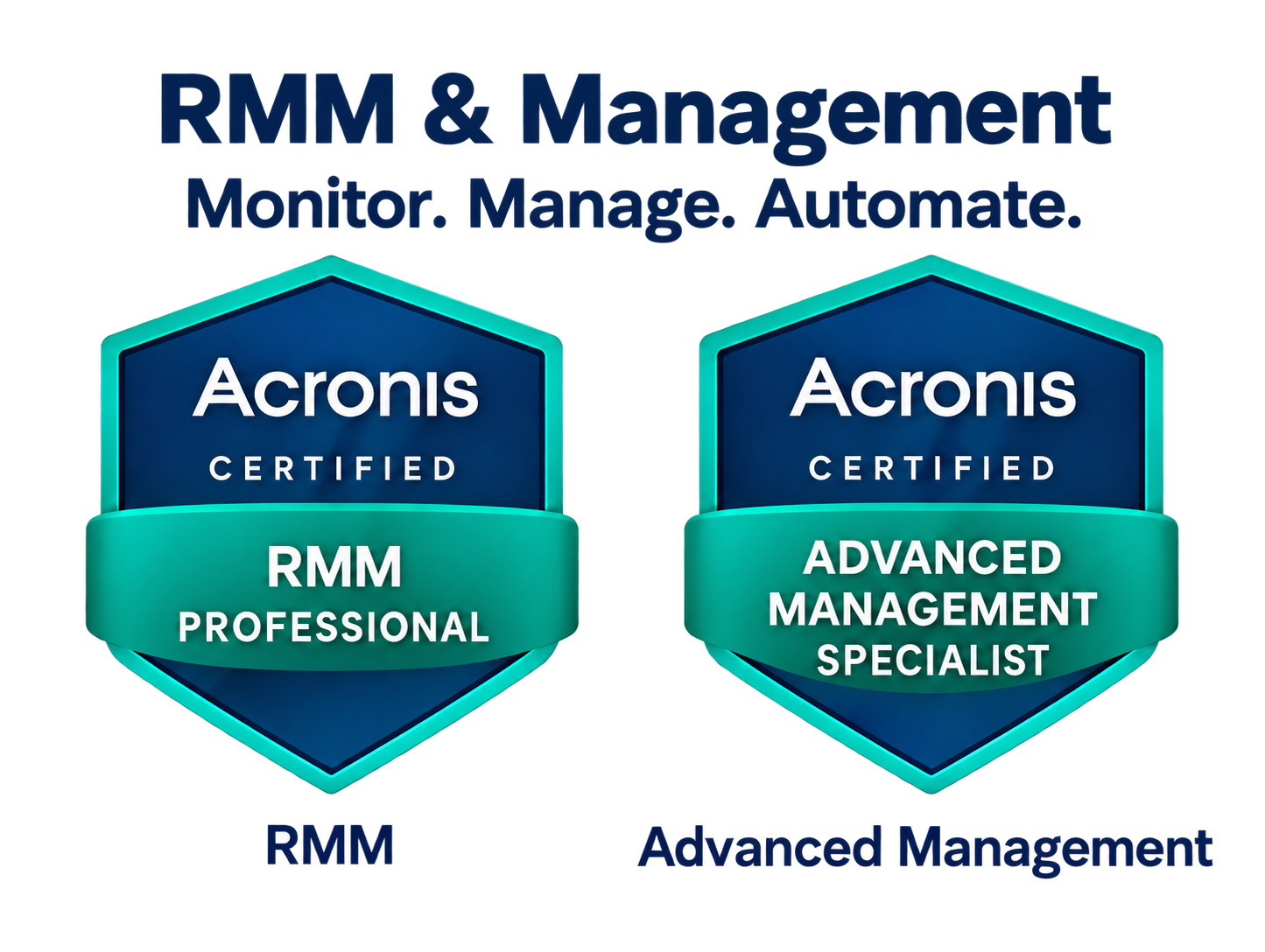
We are Acronis Certified, delivering trusted and certified solutions for reliable data protection and cybersecurity.
Acronis Certified RMM Professional and Advanced Management Specialist badges highlight expertise in remote monitoring and IT management. This knowledge supports device monitoring, patch management, remote support and routine maintenance. XcellHost brings that expertise to the day-to-day management of your IT environment, helping your team configure policies and maintain consistent operations.
What customers say
”
MV
Manoj Verma
IT Manager, Manufacturing Company
★★★★★
RMM has made it much easier for our IT team to keep track of employee systems. We can spot issues early, handle routine maintenance remotely, and avoid unnecessary visits to individual offices.
”
PD
Pooja Deshmukh
Technology Head, Retail Group
★★★★★
Managing devices across multiple locations was becoming difficult for our team. With centralized monitoring and alerts, we have a much clearer view of system health and can address problems before they affect users.
”
AR
Aditya Rao
Operations Manager, Logistics Company
★★★★★
The ability to troubleshoot systems remotely has saved our team a lot of time. We can handle updates, check device performance, and resolve many everyday IT issues without waiting for someone to be physically available.
Frequently asked questions
Remote Monitoring & Management (RMM) is an IT management solution that enables businesses and Managed Service Providers (MSPs) to remotely monitor, manage, maintain, and secure IT infrastructure including servers, endpoints, applications, networks, and devices from a centralized platform.
Modern businesses depend on multiple IT systems, endpoints, and cloud applications. RMM helps organizations proactively identify issues, automate maintenance tasks, monitor system health, deploy updates, and reduce downtime before problems impact business operations.
RMM helps solve common IT challenges such as: lack of real-time visibility into IT infrastructure; unexpected system failures and downtime; manual monitoring and maintenance efforts; delayed patching and software updates; limited IT support resources; and difficulty managing remote employees and multiple locations.
RMM provides continuous monitoring of devices, servers, applications, and networks. IT teams can detect performance issues early, automate routine tasks, resolve problems remotely, and maintain a healthier IT environment.
RMM can monitor and manage various IT assets including: Windows and Linux servers; desktops and laptops; virtual machines; network devices; remote employee endpoints; business applications; and cloud workloads.
Yes. RMM uses proactive monitoring, alerts, automation, and remote troubleshooting capabilities to identify potential issues before they become critical failures, helping businesses improve uptime and availability.
Yes. IT teams can remotely access systems, troubleshoot issues, execute commands, manage services, and resolve incidents without physically visiting user locations.
RMM automates patch monitoring and deployment for operating systems and applications. This helps organizations maintain updated systems, reduce vulnerabilities, and improve security posture.
Yes. RMM continuously monitors critical server parameters such as CPU utilization, memory usage, disk space, network performance, running services, and system health. Alerts can be configured when performance thresholds are exceeded.
RMM strengthens security by helping organizations identify vulnerable systems, apply security patches, monitor endpoint health, detect suspicious activities, maintain compliance requirements, and improve IT visibility.
Insights
Fresh Perspectives For Smarter IT Decisions
Explore practical guides and expert insights on cloud, cybersecurity and Indian compliance to help your business move forward.
New insights are on the way. Explore all insights for more guides and articles.
Ready to start with Remote Monitoring & Mgmt (RMM)?
FREE Consultation · FREE Demo · FREE Trial · 24×7 support in English & Hindi