Remote monitoring and management
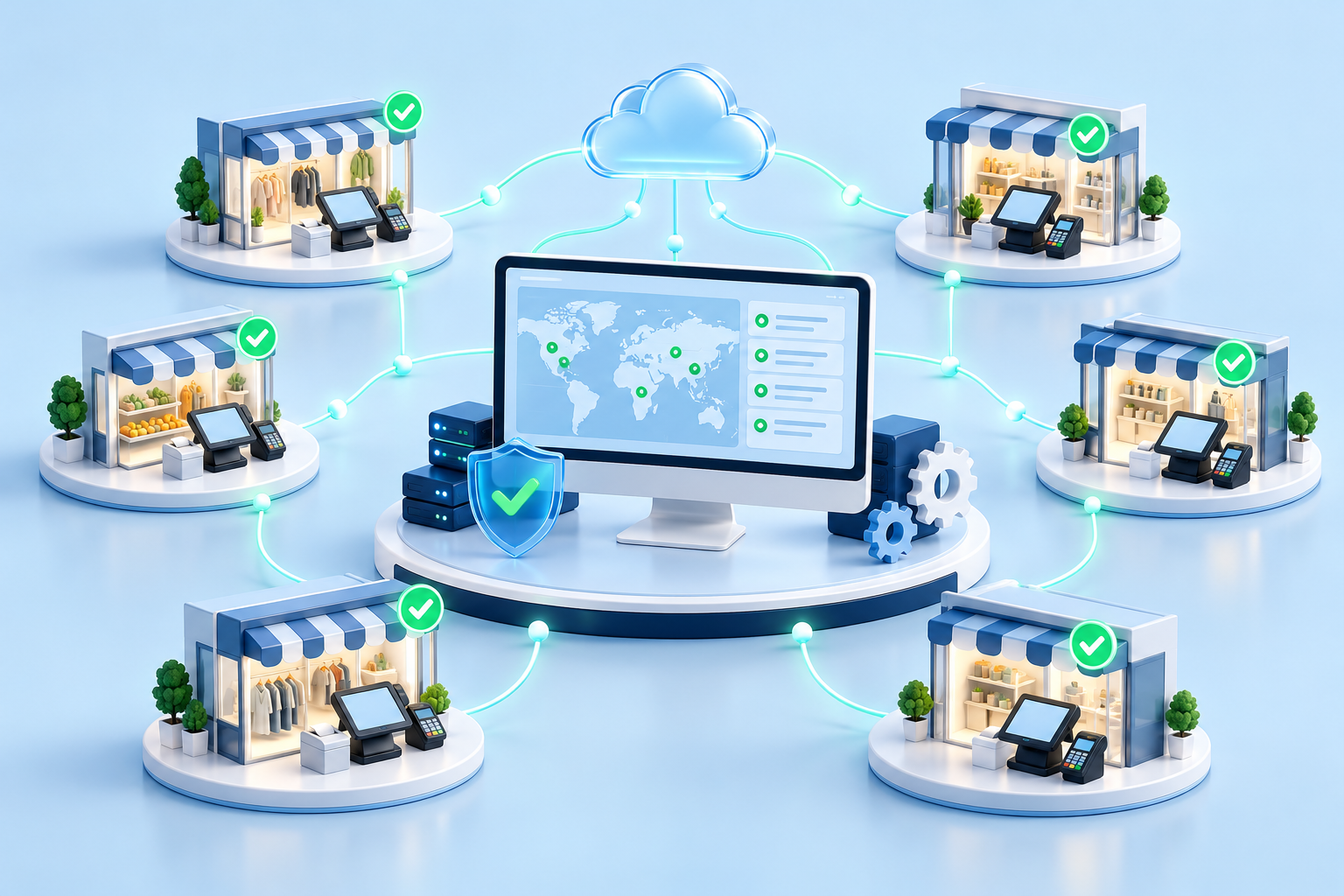
Acronis Advanced RMM gives managed service providers and IT teams a central console for managing endpoints and resolving issues remotely.
- Discover devices, keep a hardware and software inventory, and monitor CPU, memory, disk usage, and device health.
- Set real-time alerts and use remote desktop assistance to investigate issues.
- Assess patch exposure and automate operating system and third-party application updates.
- Deploy software with DeployPilot and automate routine maintenance with scripts and task rules.
- Review Microsoft 365 security posture, backup status, and patch compliance from the management console.
Managed service packages
| Package | Scope described in the datasheet |
|---|---|
| Essential Cyber Hygiene | Core patching, monitoring, basic alerts, and reporting. |
| Advanced Cyber Hygiene | Adds third-party application patching, vulnerability-based patching, and asset inventory. |
| Cyber Resilience Managed Service | Adds advanced security with XDR, automated remediation, and restore testing. |
Implementation roadmap
- Days 0–7: Build the device inventory, identify unmanaged endpoints, and check patch and backup status.
- Days 8–15: Resolve failed backups, patch critical vulnerabilities, and configure alerts and maintenance windows.
- Days 16–30: Set patch policies, create device groups, and automate remediation, reporting, and escalation.
- Ongoing: Review patch and backup coverage, resolve recurring issues, and document restore tests.