File sharing and collaboration
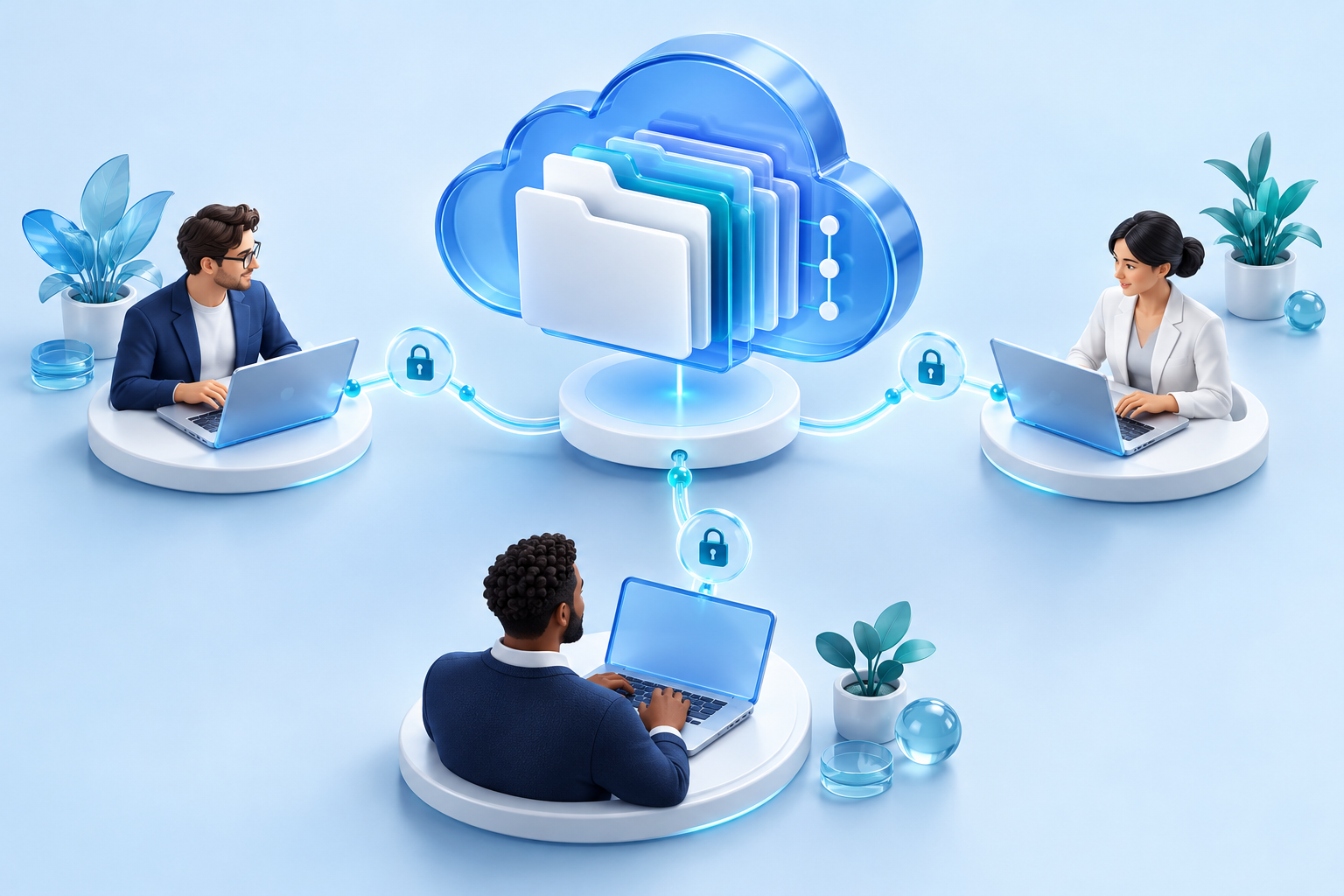
- Share large files and sync protected folders across desktops, laptops, tablets, and phones.
- Use version history, file locking, and recovery to manage edits and restore files.
- Edit shared files through Office Online and use Office and Outlook add-ins for everyday collaboration.
Security and administration
- Protect data at rest with encryption and control sign-in with two-factor authentication and SAML single sign-on.
- Apply role-based access and use device management, file analytics, and audit logs to track activity.
- Customize policies and workflows and use REST APIs to integrate administrative tasks.
Hosting and storage options
Secure File Cloud can be self-hosted or hosted by XcellHost. It can also integrate with existing file servers to support a move away from legacy Windows file shares. The datasheet lists 500 GB and 1 TB storage options with unlimited users.